


Built for visual builders.
AI DESIGN.md Landing Pages from Real Context ready to Publish
Nyx turns prompts, screenshots, and design systems into polished pages with contextual images, motion, and export-ready structure.
Built for visual builders.
Nyx turns prompts, screenshots, and design systems into polished pages with contextual images, motion, and export-ready structure.

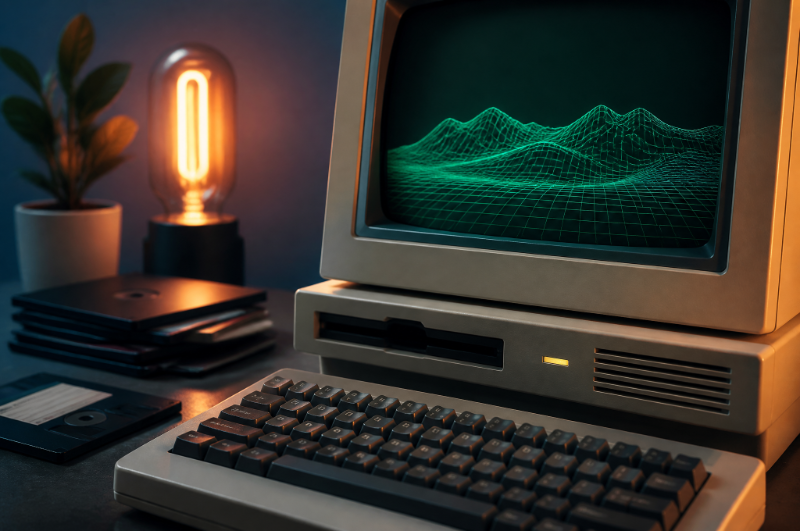

Rich image slots
7 / 7 filled



( from idea to page )
Nyx helps teams move from rough prompt to polished landing page — with the design system, media, and motion already in the loop.
Context
( Why builders use Nyx )
0
DESIGN.md source
0
Contextual image slots
0
Export paths

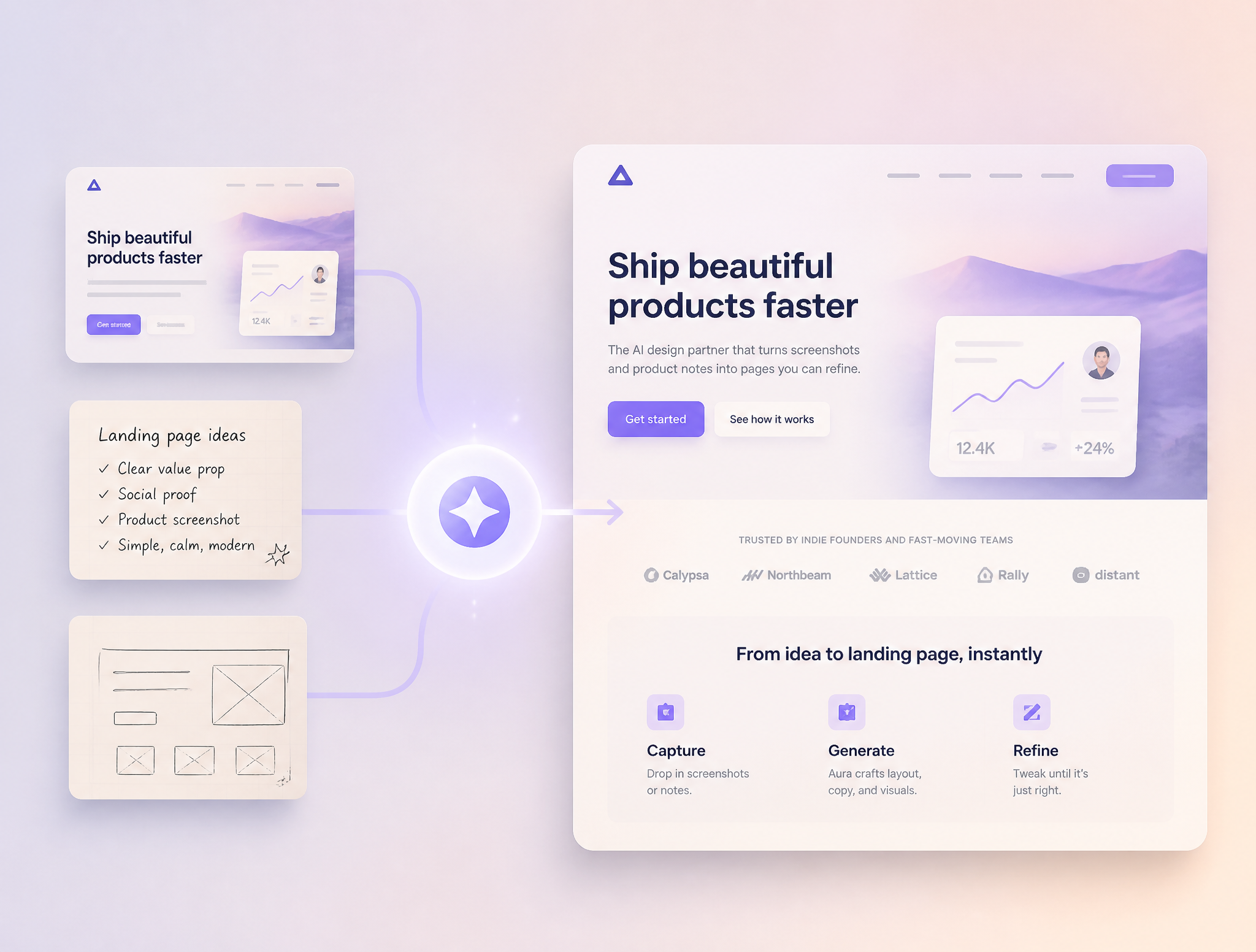
"Nyx turned our screenshots and product notes into a landing page we could actually refine."

Maya Chen
Founder, Calypso Labs
Founder, Calypso Labs
Showcase
( Generated with Nyx )
A fintech landing page generated from a DESIGN.md file, product prompt, and reference screenshots.

Input
DESIGN.md + prompt
Media
7 rich images
Output
HTML + publish link
A course launch page assembled from screenshot references, with a looping hover video in the hero.

Northstar Course
Input
Screenshot references
Media
Hover video loop
Output
Figma handoff
An OS-style product page built from founder notes and visual references, with a batch of contextual imagery.

Input
Founder notes + visual references
Media
Contextual image batch
Output
React-ready sections
( Workflow )
Build Loop
( Inside Nyx )
nyx / launch-page
Generating
Nyx gives the model real context before it designs: your DESIGN.md, screenshots, page goals, media direction, and export target. The result is not a one-off mockup. It is a page you can refine, publish, or hand off.
( Outputs )
$19 /month
For solo builders testing landing page directions with DESIGN.md, prompts, and screenshot references.
Best For
Solo projects
Starting at $49
For teams producing richer landing pages with media batches, video loops, project organization, and handoff.
Best For
Launch teams
( FAQs )
A quick guide to how Nyx turns context into landing pages.
Do I need a DESIGN.md file?
Can I use screenshots as references?
Can Nyx generate images for the page?
Can I turn images into video loops?
Can I export to Figma or HTML?
How should I avoid generic AI design?

Bring a prompt, a screenshot, or a DESIGN.md file. Nyx will help shape the page around it.